How it works
From dump to dispatched. One operating system.
NextOwner is not a listing teaser. Photograph, group, Autolist, then run inventory, offers, messages and orders in the same workspace a live UK seller uses.
- 01Photograph / dump
- 02Group
- 03Identify
- 04Price
- 05Studio
- 06Autolist
- 07Inventory
- 08Orders
Workspace · example
NextOwner AI
UK · GBP
Search SKU, item, brand, order, location
Command centre
Dashboard
Autolist
—
First-pass rate appears after Autolist finishes an item with no questions.
Autolist first-pass
—
Active inventory
Example
Sold awaiting dispatch
Example
Needs attention
Example
Workspace
Recreated from the live seller workspace. Example catalogue only — not a live shop, SKU or buyer.
Photograph or dump the pile
Single item from the camera, Dump mode on Sell, or Car-boot mode on Source for a haul. No studio required.
Group into items
NextOwner sorts angles into piles you confirm. Set the main photo, split a mixed shot, then Autolist.
Identify, price, studio
Brand, model, size, colour, condition, comparable price, and optional Photo Studio with watermark. Damage is not hidden.
Autolist to ebay.co.uk
Title, category, specifics, description and postage — published through your connected eBay seller account.
Inventory and Needs Attention
Listed stock sits in Inventory. Anything uncertain stops in Needs Attention instead of being guessed.
Offers, messages, orders
Accept or decline Best Offers. Read buyer messages. Print the eBay label, pack, mark complete.
Sell · example
Sell Dump mode
Shoot the pile. NextOwner groups angles into items you confirm, then Autolist.
Item 1
Nike Air Max 270 · UK 9 · Black/White
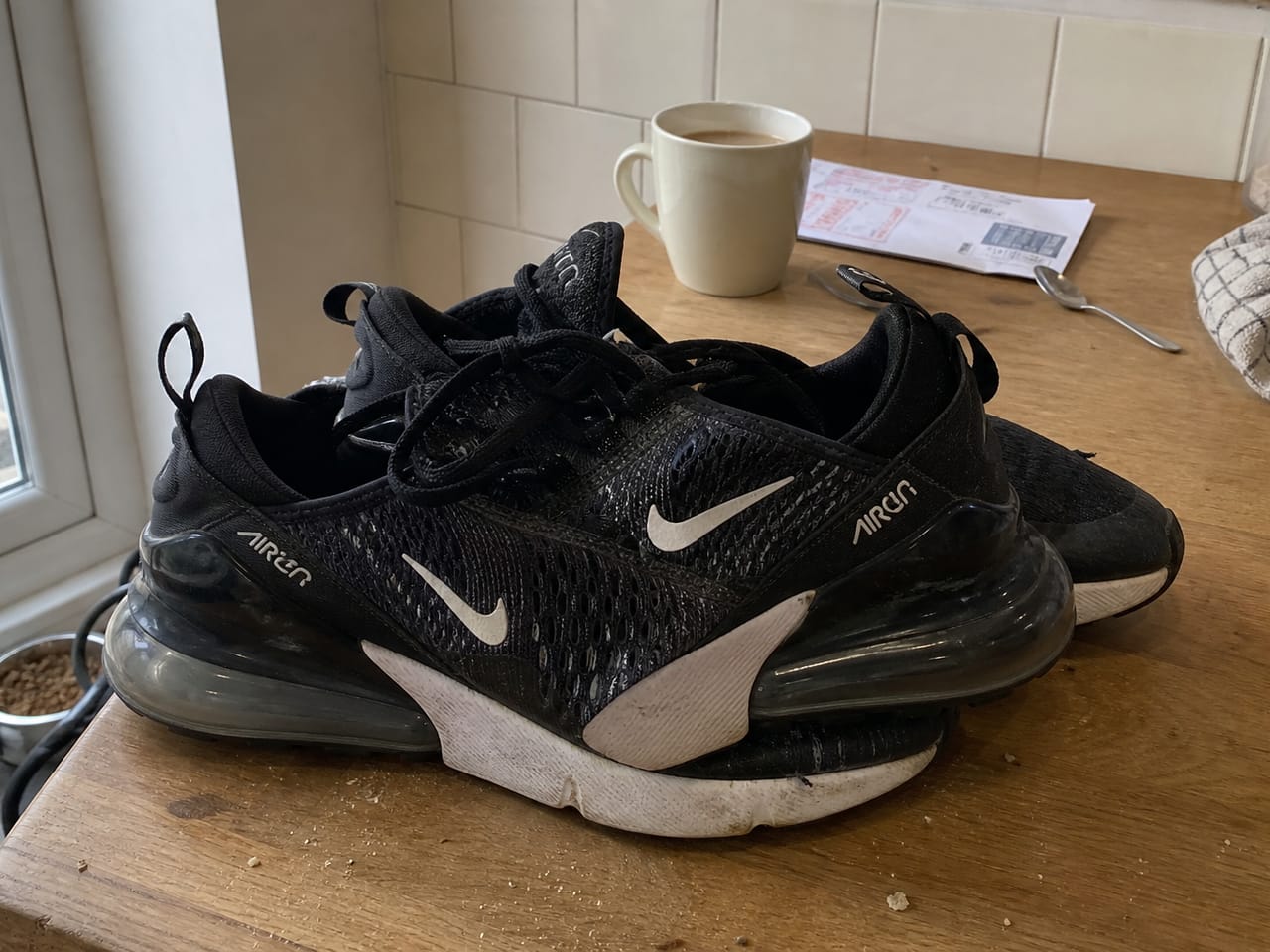
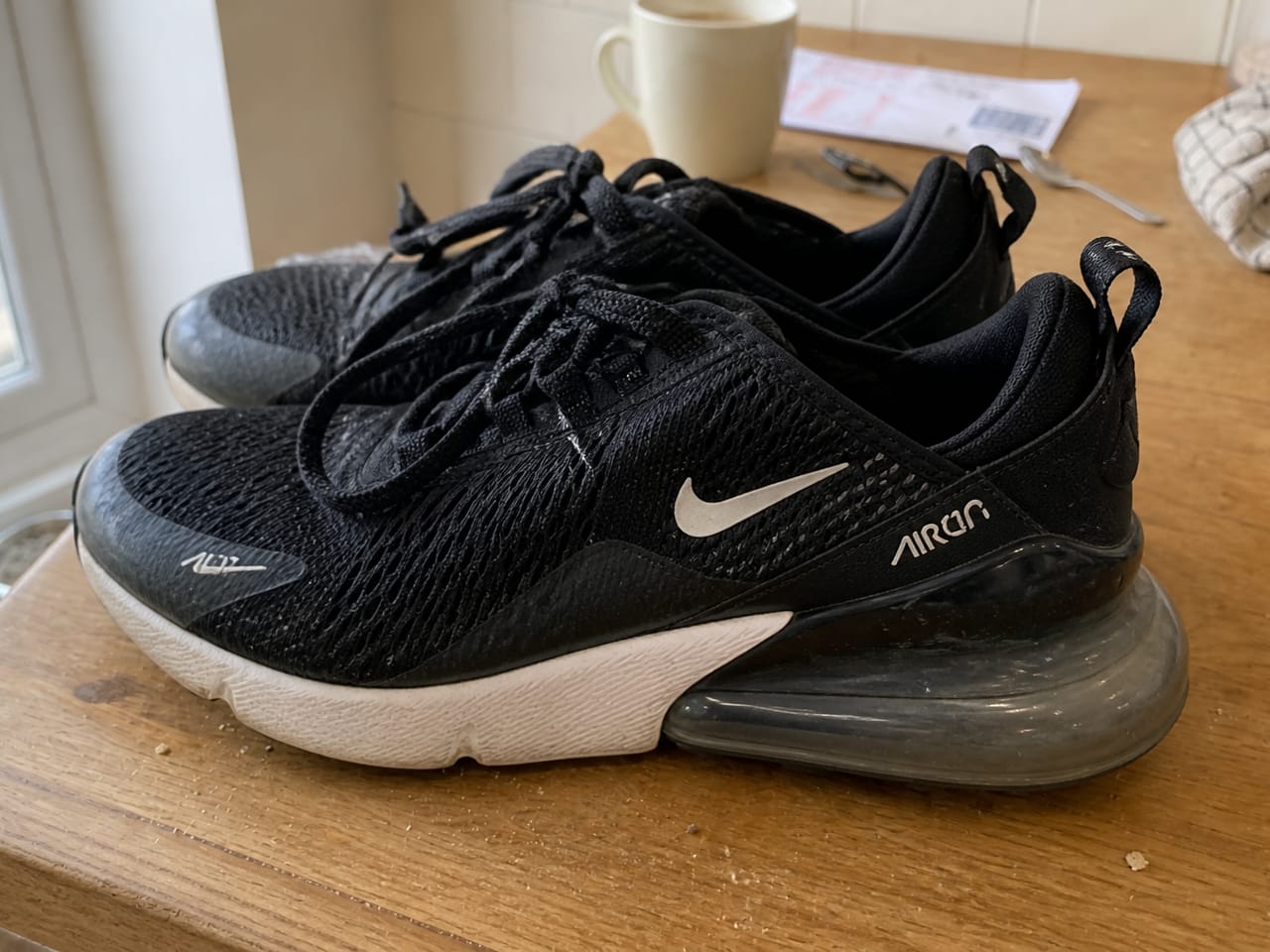
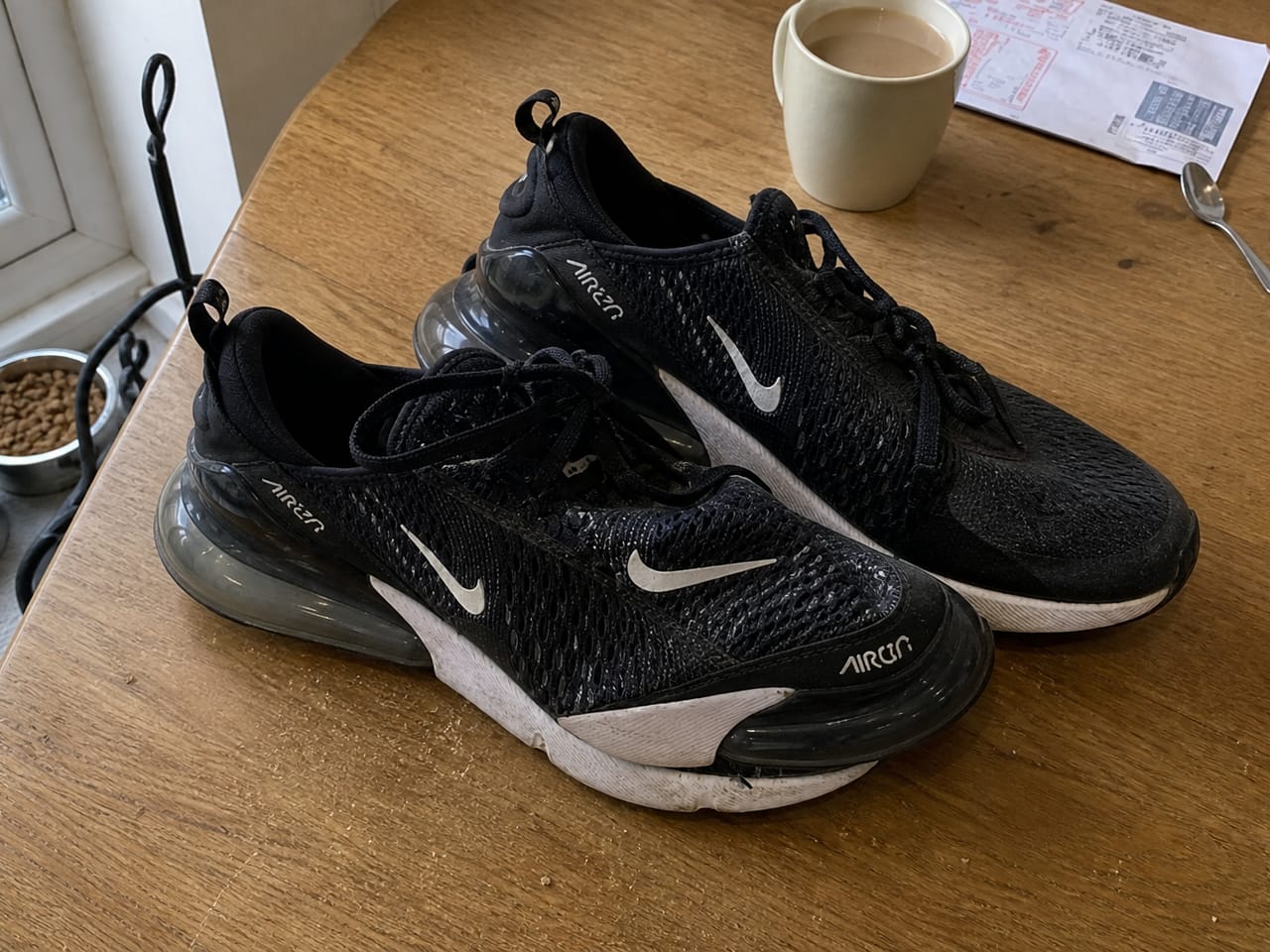
Item 2
LEGO Star Wars 75342 · 100% complete
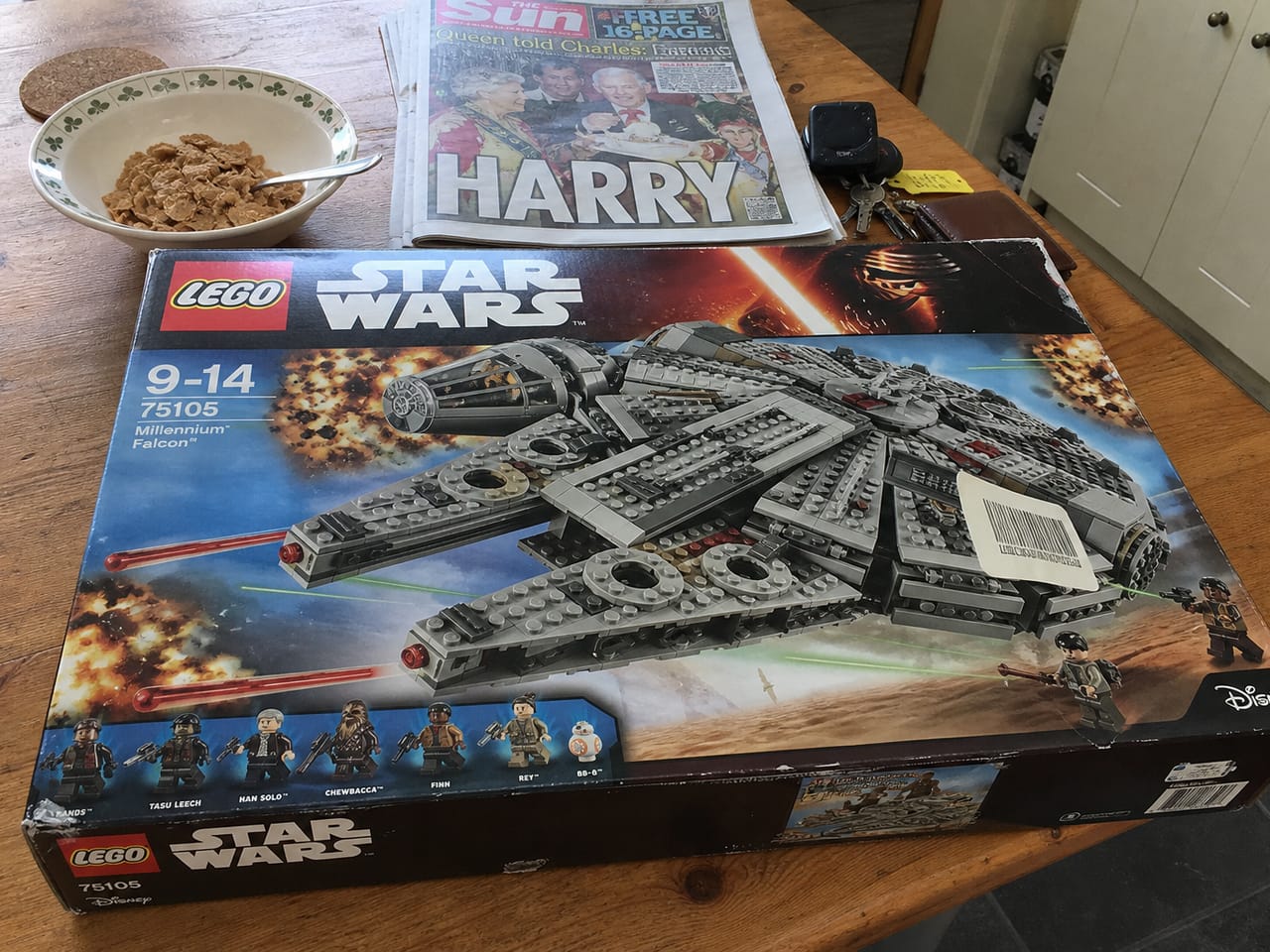
Orders · example
Fulfilment
Orders
Print postage on eBay → label printed → pack → mark complete.
Print postage
Buyer · eBay order
Xbox Wireless Controller · Carbon Black · £29.99
To package
Buyer · eBay order
Label printed. Pack it, then complete.
Connects to your eBay seller account. Lists to ebay.co.uk. Not an official eBay product.
Available soon
Photograph it. Upload it. NextOwner sells it.
Join the waitlist. We’ll email when early access opens.
Or see the workspace. Billing is not enabled yet.